
How It Works#
Getting a redesign of your room is super quick — just three steps and you'll have a realistic visualization ready to share, save, or obsess over.
Snap Your Space
Take a photo of your room as it is right now — no staging, no cleaning required. Inty's AI reads the structure of your room (the walls, windows, proportions, and layout) and uses it as a reference for everything that follows.
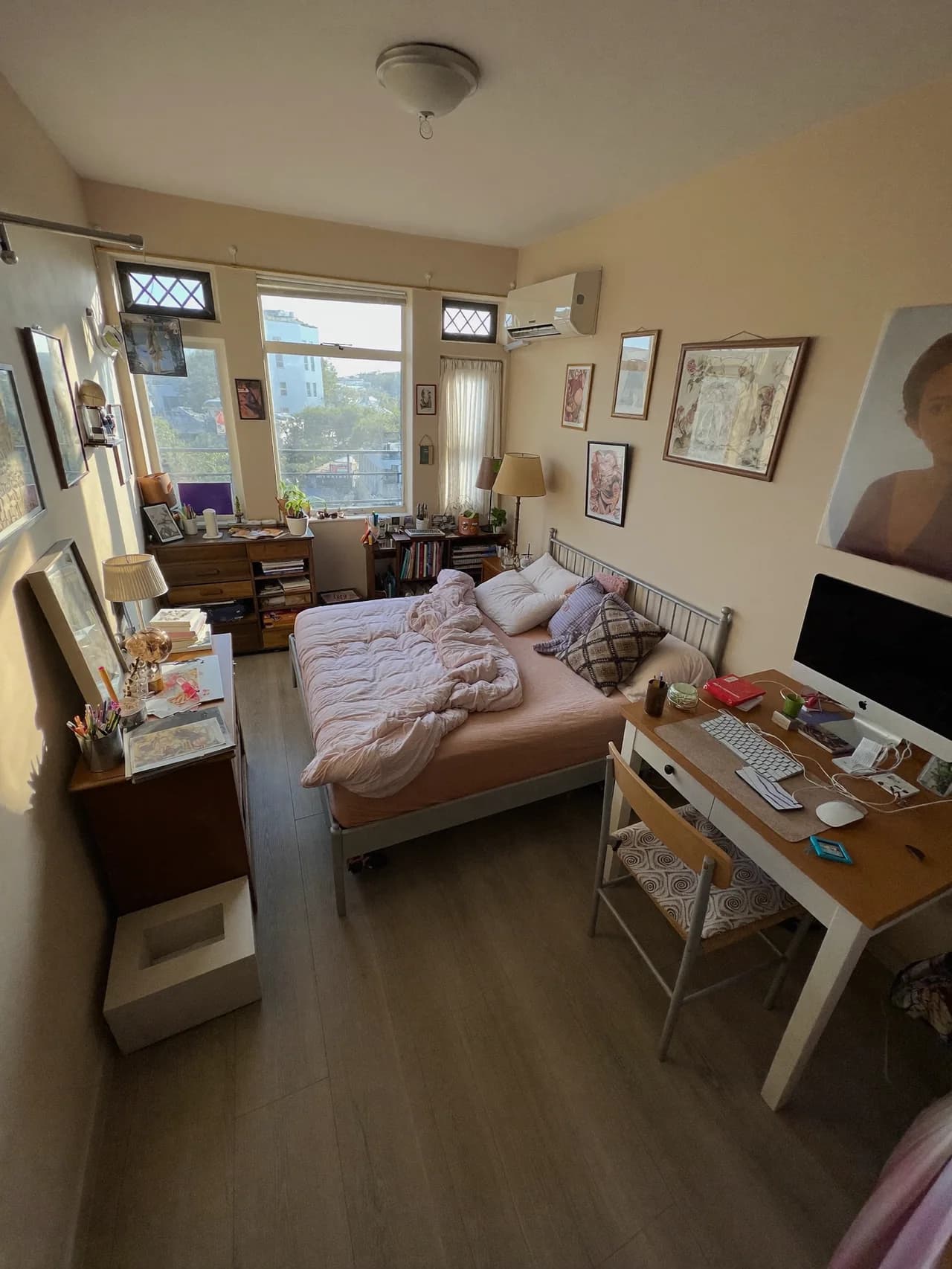
For best results, take your photo from a corner or doorway to capture as much of the room as possible. Good lighting helps too!
Pick a Style
Choose from 200+ design styles — Japandi, Mid-Century Modern, Minimalist, Art Deco, Wabi-Sabi, Brutalist, and many more. Each style is designed to adapt to your room's architecture rather than forcing your space into a generic template.
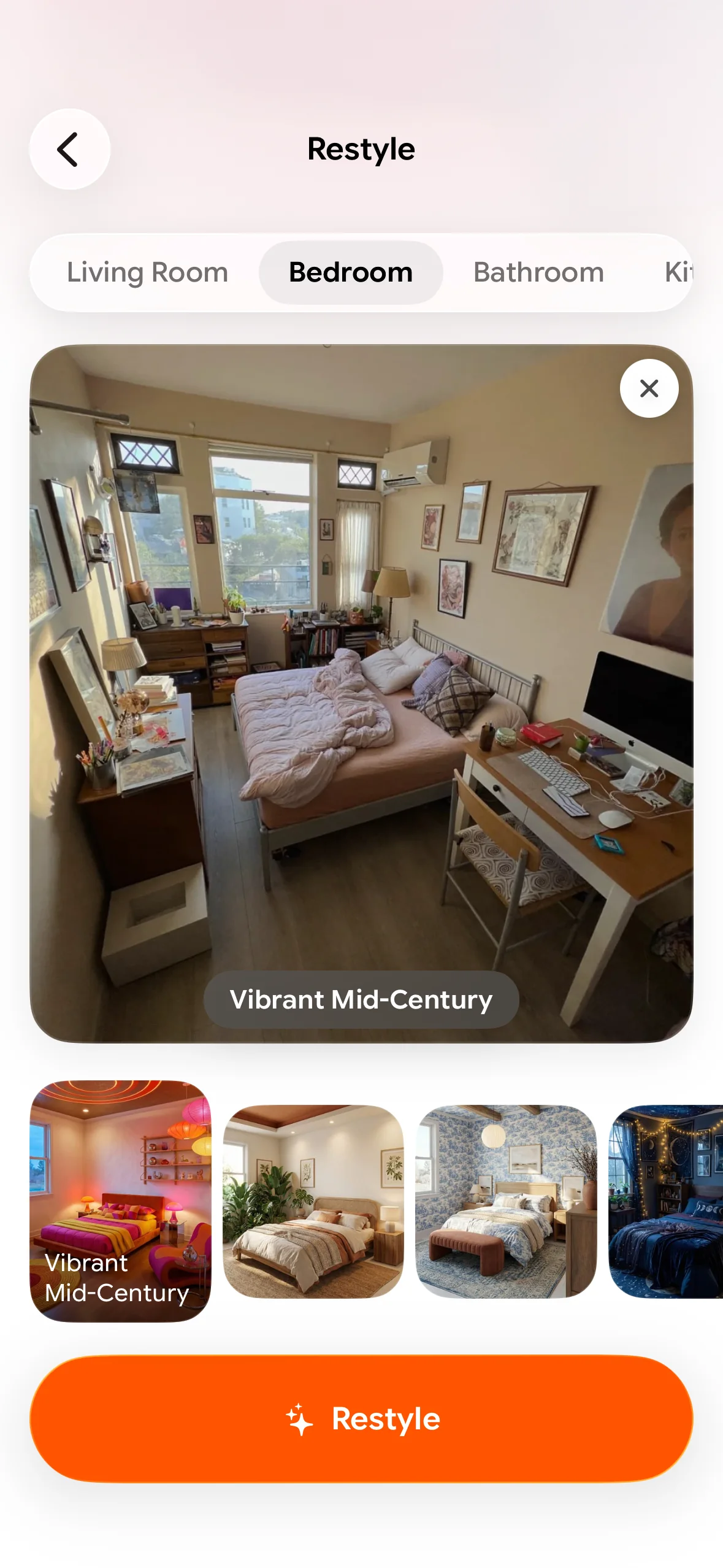
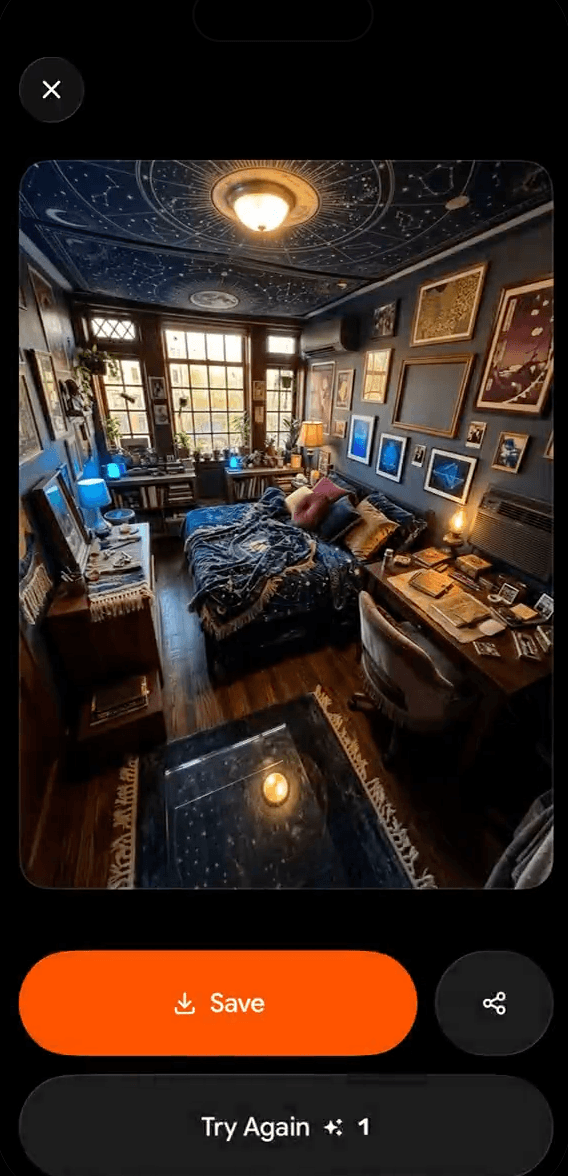
Get Your Redesign
Inty uses advanced Google Cloud AI models to generate a realistic visualization of your room in the chosen style. The result stays as close as possible to your actual walls, windows, and proportions.
The Tech Behind It#
Inty isn't a filter or a generic 3D render. Here's what's happening under the hood:
- Your photo is sent to Google Gemini to analyze the room's geometry and layout
- Advanced AI models then redesign the space in your chosen style
- The original photo is processed in memory and not retained by Inty after processing
- Your generated results are saved to your account until you delete them
Inty is built to handle tricky spaces — sloped ceilings, tiny bathrooms, awkward corners, and cluttered layouts. It's not just for perfect show-home rooms!
Supported Room Types#
Right now, Inty works with:
- Living Room ✅
- Bedrooms ✅
- Kitchens ✅
- Bathrooms ✅
- More coming soon 🔜